FittyUp guides
Log strength sets, progressive overload, and rest timers on your Lock Screen
Between heavy sets, the last thing you want is a cluttered spreadsheet. FittyUp keeps strength logging fast: see what you lifted last session, log sets and reps in seconds, and check your active workout from Lock Screen Live Activities and the Dynamic Island.
Upper Body Push · 62 Min · 6 Exercises
Dynamic Island Rest Timer: 00:45 remaining · Next: Set 4
4 working sets · 🏆 New Est. 1RM PR (+2.5 kg)
3 working sets · RPE 8 · +1 rep overload
3 working sets · Total Session Volume: 8,420 kg
SESSION SUMMARY
485 kcal · 3/3 Weekly Sessions Completed
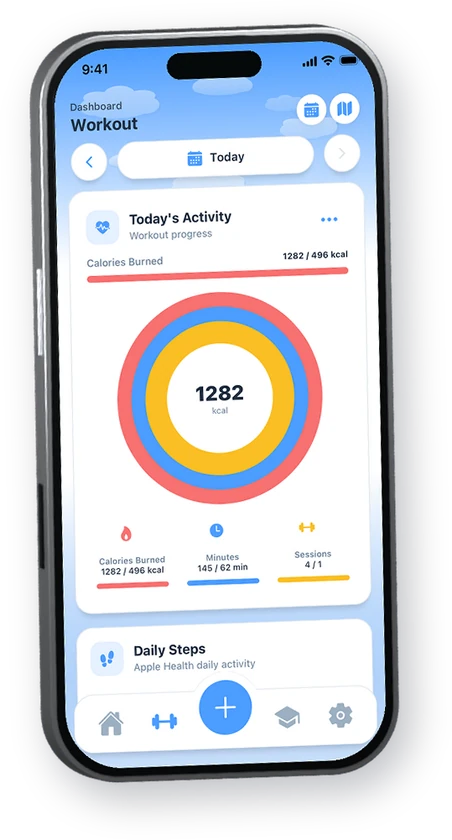
☀️ Default
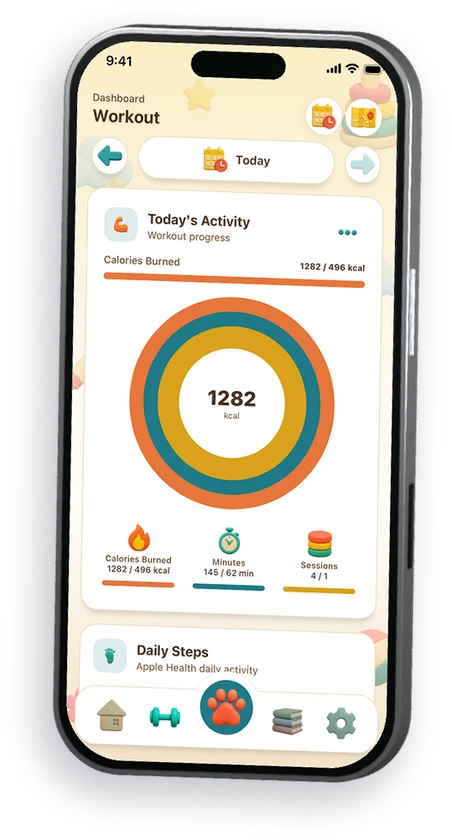
🧸 Clay
Log sets, reps, weight, and RPE with previous-session context
Select an exercise to view your recent sets and weights. Log each working set as you go so you can apply progressive overload — adding a rep, a small weight increment, or cleaner form over time.
Generate a 7-day Weekly Workout Plan with Numi
Tell Numi how many days you want to train, how much time you have (for example, 25 or 45 minutes), and what equipment is available (dumbbells, full gym, or bodyweight). Review the proposed Weekly Workout Plan card before saving.
Keep your workout visible on Lock Screen & Dynamic Island
While a workout session is active, iOS Live Activities display elapsed time and current session progress on your Lock Screen and Dynamic Island so you do not have to unlock your phone repeatedly.
Connect your training log with your daily protein target
Because your workouts and nutrition live in the same app, Numi can reference your completed training sessions when helping you plan post-workout meals.
Frequently asked questions
Do workouts show on the iPhone Lock Screen and Dynamic Island?
Yes. Active strength and cardio sessions support iOS Live Activities on the Lock Screen and Dynamic Island.
Can Numi build a workout routine for home dumbbells or bodyweight?
Yes. Specify your available equipment, session length, and training days, then review and edit the proposed workout card before saving.
How many workouts can I log on the Free plan?
The Free plan includes up to 2 strength or cardio workout logs per day, while FittyUp Pro unlocks unlimited workout logging and history.
Are my completed workouts synced to Apple Health?
Yes, when you enable workout write permissions in FittyUp’s Apple Health settings.
Nutrition values are estimates. Check ingredients yourself if you have allergies. FittyUp supports general wellness and does not replace medical advice.
AI features use credits. Availability depends on your app version and plan.