FittyUp guides
Adjust calories and macros for training days vs. rest days
Heavy strength sessions and long runs increase energy demand compared with desk-bound rest days. Instead of recalculating spreadsheets by hand, ask Numi to propose a training-day or rest-day macro adjustment card you can inspect before accepting.
Rest Baseline vs. 60-Min Leg Day Fuel Target
Nothing changes until you tap Accept Changes
Protein 145g · Carbs 195g · Fat 65g
Protein 150g (+5g) · Carbs 260g (+65g) · Fat 68g
TRAINING-DAY DELTA
+300 kcal · Steady 2.2g/kg Protein
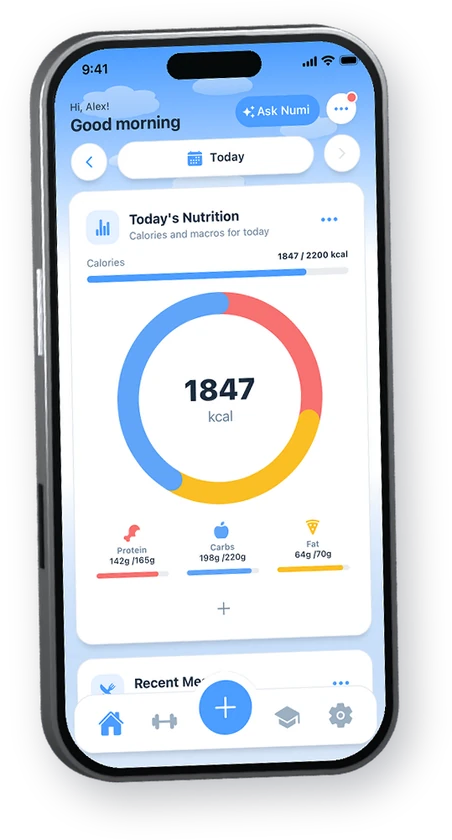
☀️ Default
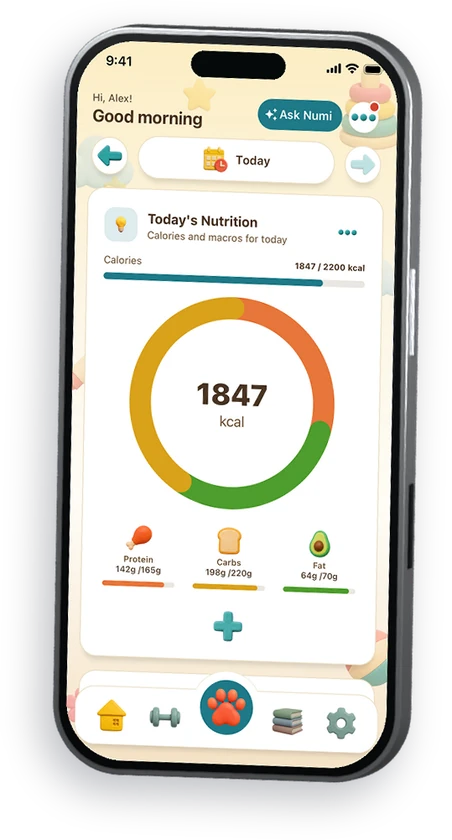
🧸 Clay
Why training days and rest days can have different fuel needs
Keeping daily protein steady (often around 1.6 to 2.2 g per kg of bodyweight for active lifters) supports muscle recovery, while slightly higher carbohydrates on training days help replenish glycogen.
Ask Numi for a before-and-after nutrition target card
Tell Numi about your schedule — for example, "Adjust my nutrition profile for strength training days." Numi generates an AI Nutrition Recommendation card showing your current vs. proposed calories, protein, carbs, and fat side by side.
Review the numbers and choose Accept or Keep Current
Nothing changes in your profile without your confirmation. Inspect the calorie delta and macro split, then tap Accept Changes to apply or Keep Current to stay on your baseline targets.
Use Build My Meal to hit the updated protein and carb goal
Once your day’s target is set, open Build My Meal to lock your main dish and let FittyUp calculate flexible side portions (such as extra rice, fruit, eggs, or soy milk) to close the gap.
Frequently asked questions
Should protein change between training days and rest days?
Most lifters keep daily protein consistent across both training and rest days to support ongoing muscle protein synthesis, while adjusting carbohydrates and total calories.
Does Numi change my calorie goal automatically?
No. Numi presents a before-and-after recommendation card first, and your targets only update when you tap Accept Changes.
Can I switch back to my baseline calorie and macro targets anytime?
Yes. You can update your targets manually in your nutrition settings or ask Numi to restore your baseline targets on rest days.
How does FittyUp estimate baseline energy needs?
FittyUp uses established energy equations such as Mifflin-St Jeor combined with your recorded body metrics, activity level, and goal pace.
Nutrition values are estimates. Check ingredients yourself if you have allergies. FittyUp supports general wellness and does not replace medical advice.
AI features use credits. Availability depends on your app version and plan.