Workout tracker · Strength, Cardio & GPS
Log strength, GPS routes, and nutrition in one rhythm.
Keep your gym sets, personal records, outdoor GPS runs, and daily macros in the same app. Generate a 7-day workout plan with Numi, review it first, and track active sessions from your Lock Screen.
AI features use credits · View plans
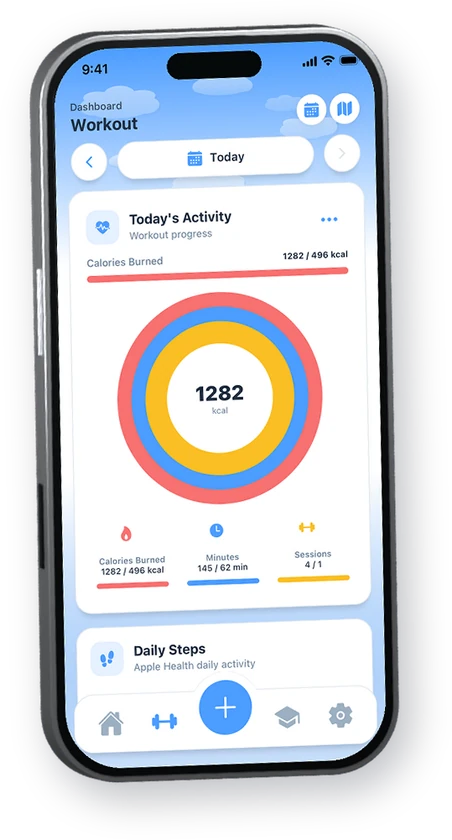
☀️ Default Theme
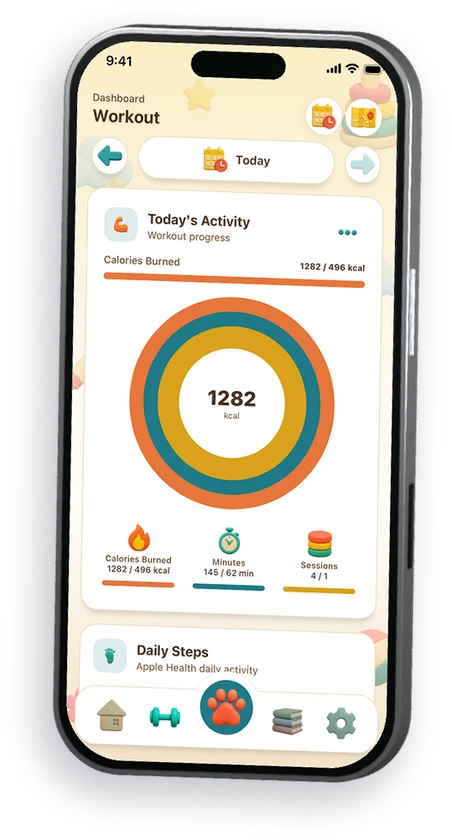
🧸 Clay Theme

Real iOS simulator screens & sample data
See how the screens and cards look inside FittyUp
Captured from iPhone 16e simulator with sample nutrition and workout records
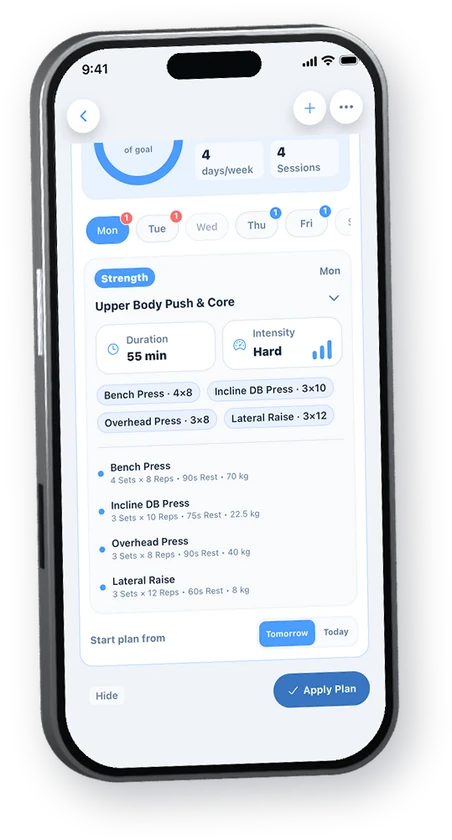
☀️ Default
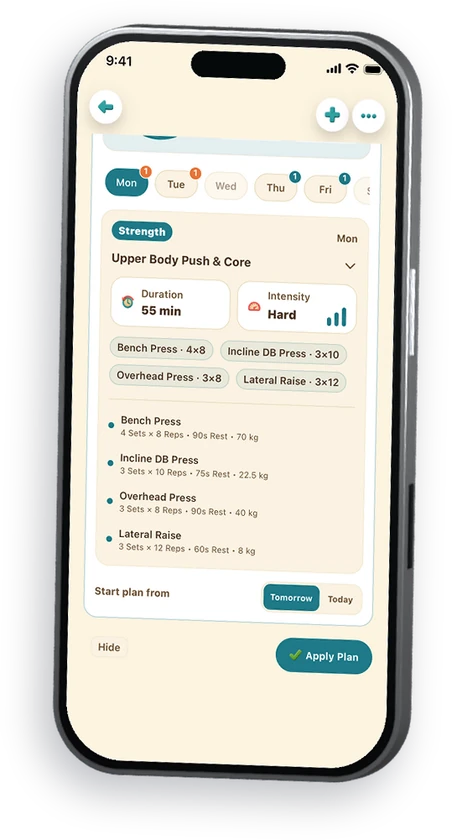
🧸 Clay
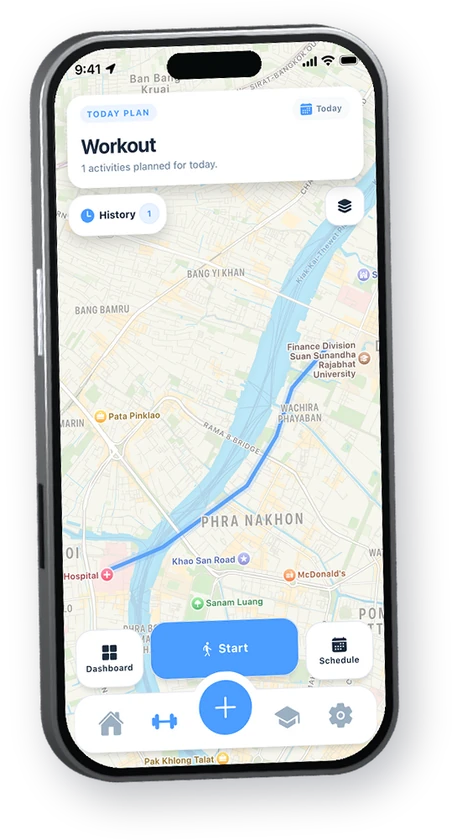
☀️ Default
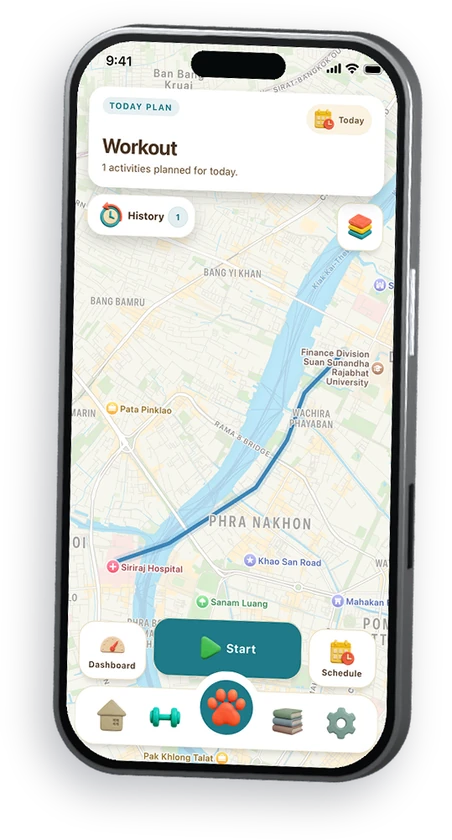
🧸 Clay
Active Session & Training-Day Macro Sync
Dynamic Island Live Activity: Upper Body Push · Set 3/4 · Rest 00:45
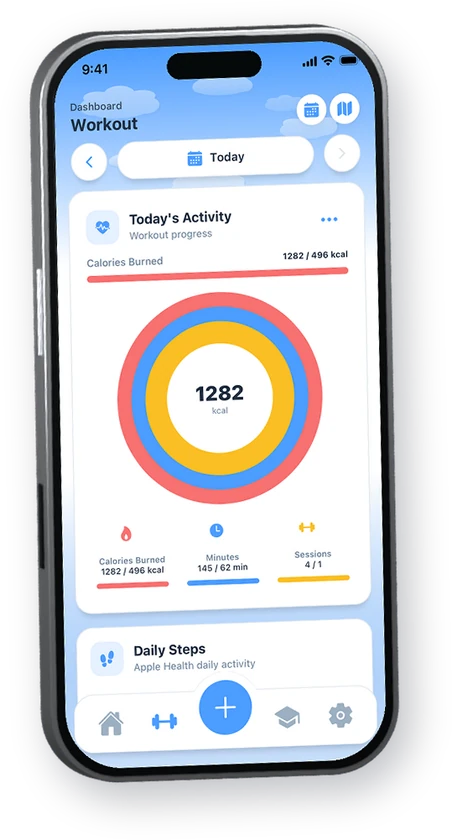
DAILY ACTIVE OUTPUT & FUEL TARGET
505 kcal burned · 3/3 Sessions Done · Synced with Apple Health
From weekly plan to finished session
- 01
Plan or start a workout
Log strength exercises by sets, reps, and weight, start a cardio timer, or ask Numi to draft a 7-day Weekly Workout Plan that you can review before applying.
- 02
Follow Live Activities & spoken cues
Keep elapsed time, active metrics, and rest timers visible on your iPhone Lock Screen and Dynamic Island, with optional spoken audio coaching during your session.
- 03
Review progress beside your meals
See how your training sessions, outdoor GPS routes, and active energy line up with your daily calorie and protein targets.
Why training and nutrition belong in the same app
Most gym loggers stop at sets and reps, leaving you to copy workouts into a separate calorie counter. In FittyUp, your strength logs, cardio routes, hydration, and meal diary share one timeline — so Numi can suggest training-day macro adjustments that you review and confirm.
Workout plans and calorie burn figures are estimates for general fitness tracking, not medical or physical therapy advice. Stop exercising and consult a qualified professional if you experience pain, dizziness, or shortness of breath.
Questions about workout tracking
Can I log both strength training and cardio in FittyUp?
Yes. You can log strength exercises with sets, reps, weights, and personal records, as well as indoor and outdoor cardio sessions. The Free plan includes up to 2 workout logs per day; Pro unlocks unlimited workout logging.
Does FittyUp map outdoor runs, walks, and rides with GPS?
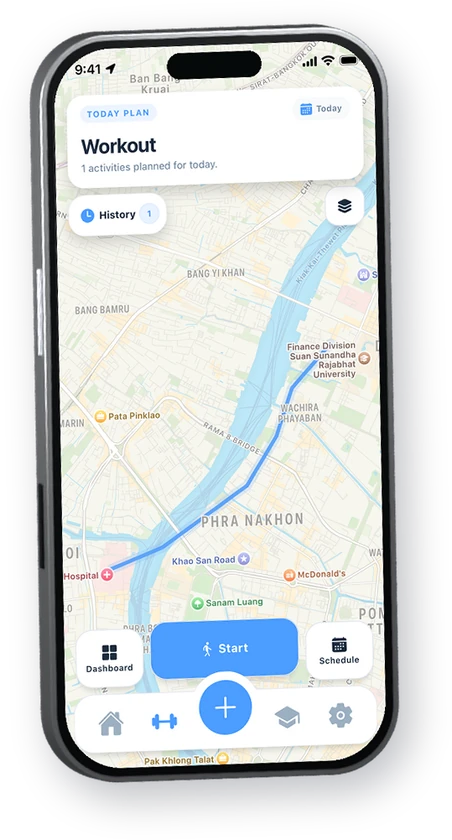
Yes. When you grant location permission for an outdoor session, FittyUp records your GPS route, distance, duration, and pace so you can review your path after finishing.
How do Lock Screen Live Activities and voice coaching work?
During an active workout, FittyUp can display your timer and session progress on the iOS Lock Screen and Dynamic Island, and play optional spoken audio cues at key intervals.
Does workout data sync with Apple Health?
Yes, with your permission. FittyUp can read and write workout sessions, active energy, steps, and route data with Apple Health so your rings and fitness history stay aligned.
FittyUp guides
Log strength sets, progressive overload, and rest timers on your Lock Screen
Log strength sets, reps, and weights in seconds. See how to generate a 7-day workout plan with Numi and track rest timers on your iPhone Lock Screen.
FittyUp guides
Map outdoor GPS runs with live pace metrics and spoken audio cues
Map your outdoor runs, walks, and rides with GPS route tracking, live pace metrics, optional spoken audio cues, and two-way Apple Health workout sync.