iOS & iPadOS · 19 Native Widgets & Live Activities
19 native widgets and Live Activities for iPhone and iPad.
Keep your remaining calories, protein ring, fasting timer, water goal, daily checklist, and streak progress right on your Home Screen and Lock Screen — plus a native two-column layout designed for iPad.
AI features use credits · View plans
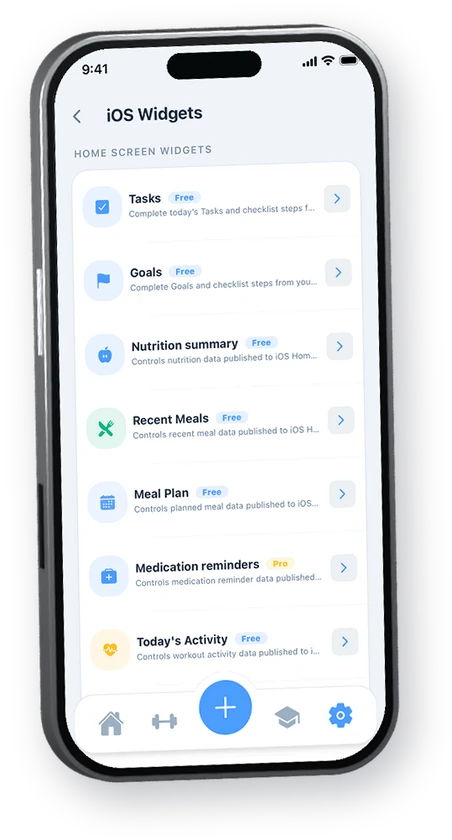
☀️ Default Theme
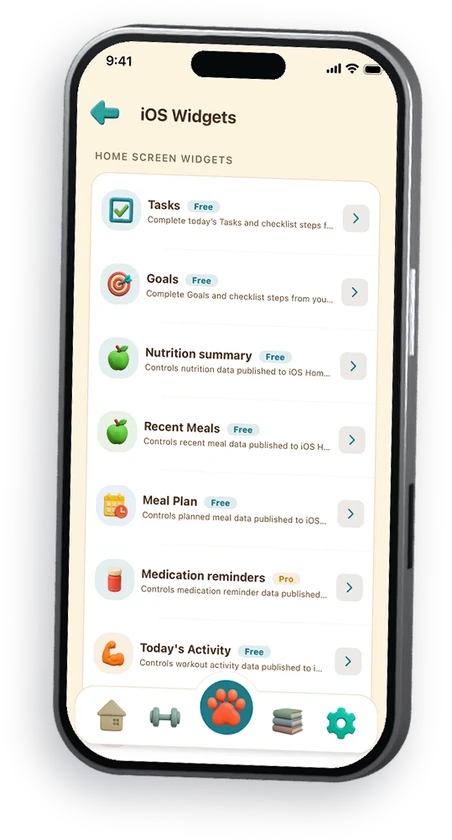
🧸 Clay Theme

Real iOS simulator screens & sample data
See how the screens and cards look inside FittyUp
Captured from iPhone 16e simulator with sample nutrition and workout records
☀️ Default
🧸 Clay
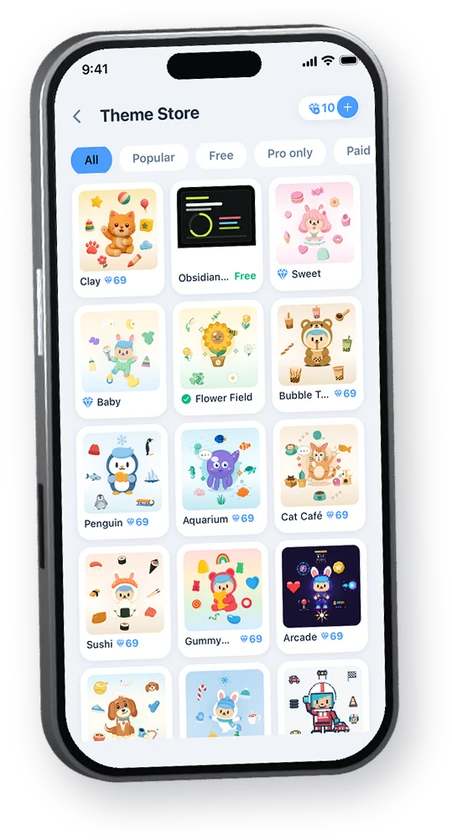
☀️ Default
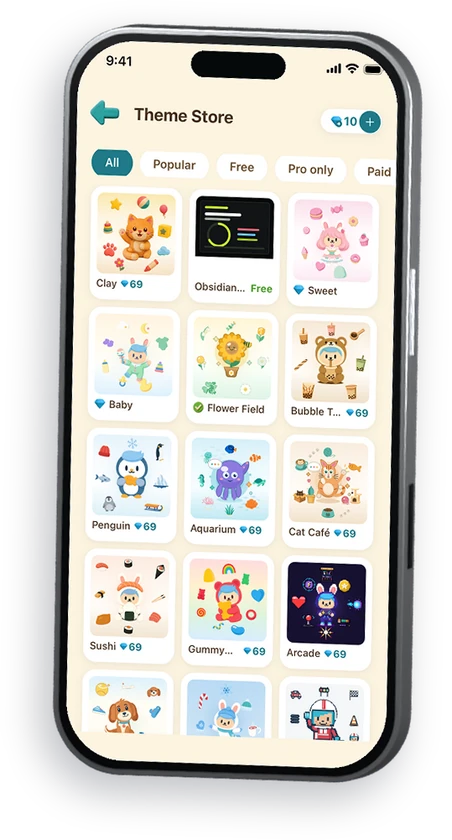
🧸 Clay
Home Screen, Lock Screen & iPad Two-Column View
12 Core Widgets Free · All 19 Unlocked on Pro · Instant App Group Snapshot Sync
ECOSYSTEM SURFACE COVERAGE
19 Native Widgets · iPhone · iPad Two-Column · Lock Screen · Dynamic Island
Check your day without opening the app
- 01
Pick widgets for the habits you track
Choose from 19 small, medium, large, and Lock Screen widgets covering nutrition, macros, water, intermittent fasting, workouts, sleep, streaks, and daily tasks.
- 02
Match your theme and Smart Stack
Widgets update automatically as you log meals, water, or workouts in FittyUp, and blend naturally into iOS Smart Stacks and StandBy mode.
- 03
Move seamlessly between iPhone and iPad
Enjoy a full two-column native iPadOS layout with adaptive navigation, synced with your iPhone through your FittyUp cloud account.
Complete widget gallery by daily routine
Every account includes 12 core Home Screen widgets on the Free plan — covering daily calorie and macro summaries, water intake, fasting timer, workout streaks, and quick actions. Fitty Up Pro unlocks all 19 widgets across Home Screen and Lock Screen sizes.
Widget refresh timing is managed by iOS and iPadOS to preserve battery life. Opening the app or completing a log immediately pushes the latest snapshot to your active widgets.
Questions about widgets and iPad support
How many widgets are included on the Free plan vs. Pro?
The Free plan includes 12 core Home Screen widgets at no cost. Upgrading to Fitty Up Pro unlocks all 19 Home Screen and Lock Screen widgets.
How do I add FittyUp widgets to my iPhone or iPad?
Touch and hold an empty area on your Home Screen or Lock Screen until the apps jiggle, tap the Add (+) button in the top corner, search for FittyUp, and choose the widget size and tracker you want.
What is the difference between a widget and a Live Activity?
Home Screen and Lock Screen widgets show your ongoing daily totals at a glance, while Live Activities appear dynamically on your Lock Screen and in the Dynamic Island during an active workout session.
Does FittyUp run natively on iPad?
Yes. FittyUp supports iPadOS with a native two-column layout, adaptive sheets, and full cloud sync with your iPhone.
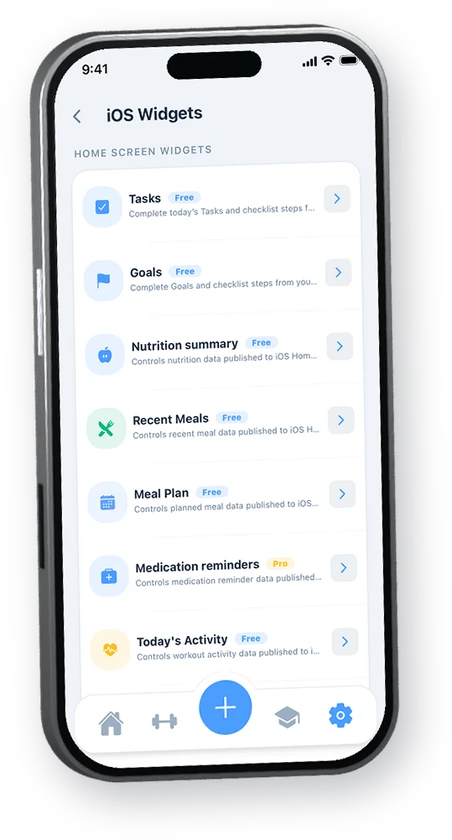
FittyUp guides
Set up 19 native iOS & iPadOS widgets and Lock Screen Live Activities
Check calories, macros, tasks, water, fasting, sleep, and steps without opening the app. Learn how to customize FittyUp’s 19 widgets on iPhone and iPad.
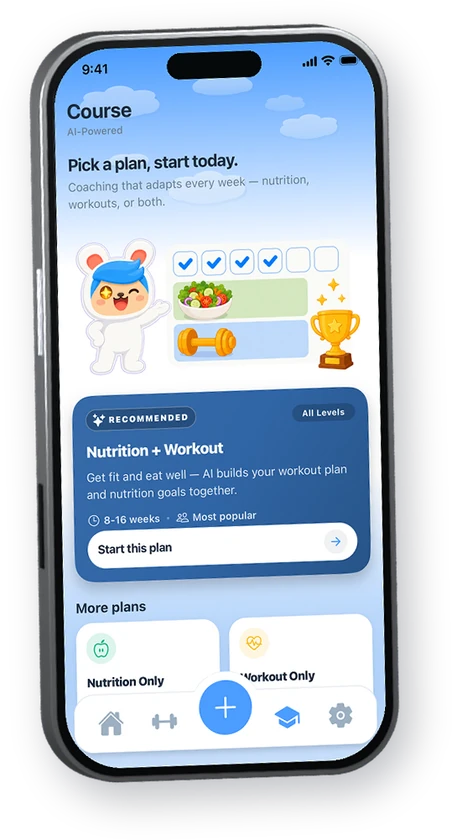
FittyUp guides
Build calm habits with Daily Tasks, Fish Tank rewards, and 12-week courses
Ditch diet guilt and rigid streaks. Discover how FittyUp’s Priority Daily Schedule, zero-shame streaks, Fish Tank, and 12-week courses keep you consistent.