FittyUp guides
Spot and adjust hidden cooking oils and sauces before you log
A street-food stir-fry or omelet can absorb several teaspoons of cooking oil that never show up clearly in a camera frame. Treating the photo scan as an editable proposal lets you account for oil, coconut milk, and sweet sauces before saving.
Before vs. After Reviewing Cooking Oil & Glaze
Dish: TH-05 Roasted & Crispy Pork Rice with Gravy
P 27g · C 72g · F 27g (High saturated fat)
P 33g · C 62g · F 13g (-145 kcal, +6g P)
NET MACRO IMPROVEMENT
-145 kcal · -14g Fat · +6g Protein
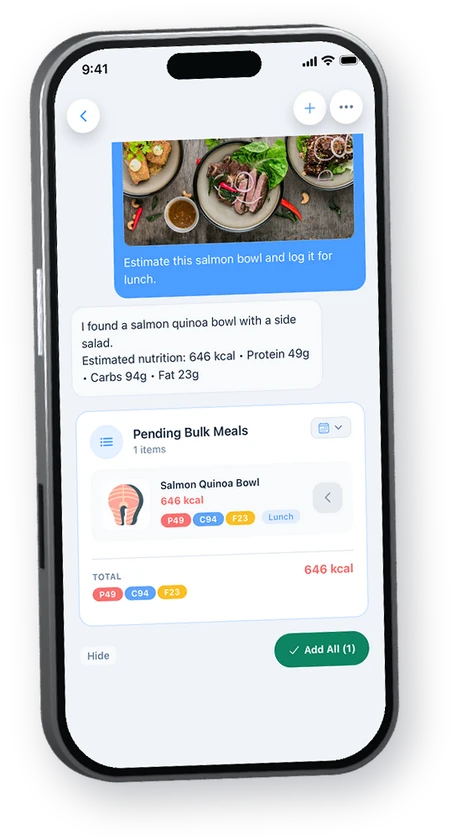
☀️ Default
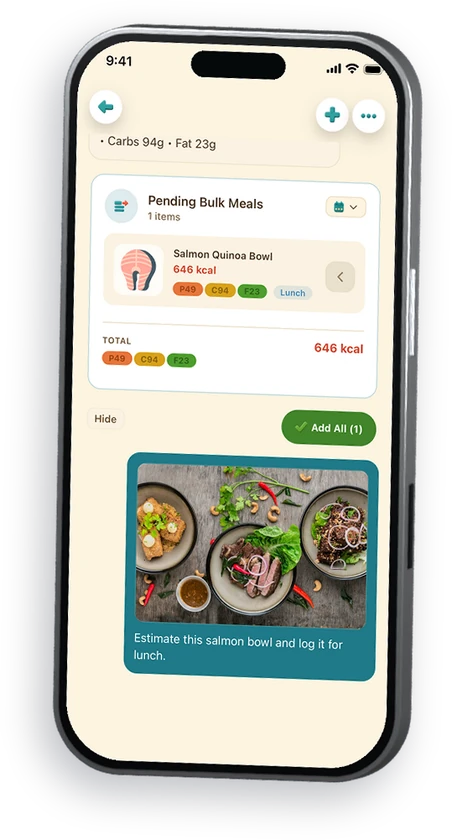
🧸 Clay
Why photo estimates miss hidden oils and sauces
Even a clear top-down photo cannot measure how much oil soaked into a fried egg or how much sugar was dissolved into a glaze or dipping sauce. Half a tablespoon of cooking oil adds roughly 70 kcal, and a deep-fried omelet can differ by 150 to 300 kcal from a poached or boiled egg.
Check rice scoops, cooking method, and drinks
Inspect the proposed item list on the FittyUp review card. Verify whether the protein was stir-fried, grilled, or boiled, whether the rice portion matches one or two ladles, and whether sweetened tea or iced coffee was included.
Edit the pending meal card or tell Numi
Before tapping Confirm Log, adjust the serving size or ask Numi to update the preparation method — for example, water-sautéed instead of oil-fried, sauce on the side, or half rice.
Save your customized version for next time
Once the adjusted breakdown reflects how your regular lunch spot prepares the dish, confirm the entry or save it as a reusable meal set so future logs take seconds.
Frequently asked questions
How much do hidden cooking oils change a meal estimate?
Every half tablespoon of cooking oil adds roughly 60 to 70 kcal of fat. Stir-fries and pan-fried eggs can vary by 100 to 250 kcal depending on how much oil the kitchen uses.
Can FittyUp account for sauces and dressings on the side?
Yes. On the review card before logging, you can reduce the sauce quantity or tell Numi you only used half the dressing.
Does FittyUp save photo scans automatically?
No. Every photo scan opens an editable review card first so you can inspect and adjust foods, weights, and cooking methods before saving to your diary.
What is the most reliable way to log street food?
Snap a clear photo of the full plate, review the separated components (rice, protein, egg, sauce), and adjust the rice portion and cooking oil level before confirming.
Nutrition values are estimates. Check ingredients yourself if you have allergies. FittyUp supports general wellness and does not replace medical advice.
AI features use credits. Availability depends on your app version and plan.