FittyUp guides
Map outdoor GPS runs with live pace metrics and spoken audio cues
Whether you are building an aerobic Zone 2 running base or taking a brisk evening walk, FittyUp records your outdoor GPS route, distance, duration, split pace, and estimated active calories alongside your strength workouts and nutrition diary.
Morning Zone 2 Park Run · GPS Mapped
Output-only spoken pace cues (Ducks music · Zero mic access)
Splits: 5'38" · 5'33" · 5'31" · HR 141 bpm
Splits: 5'28" · 5'24" · HR 148 bpm
COMPLETED GPS WORKOUT
5.20 km · 28:40 · 340 kcal Active Energy
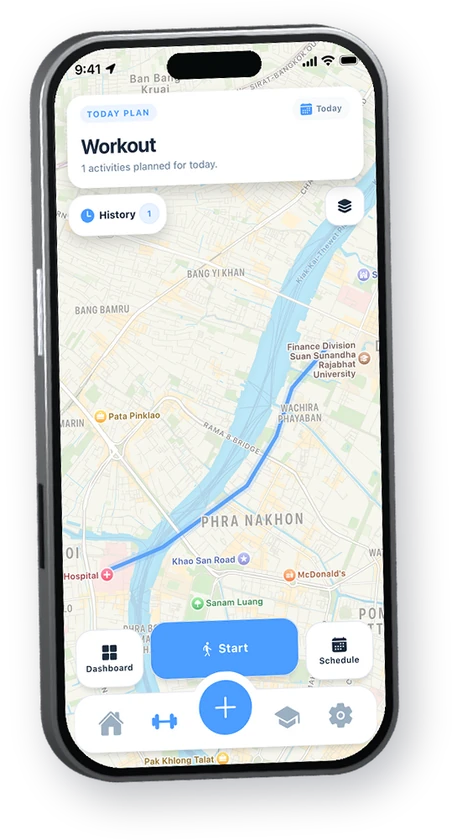
☀️ Default
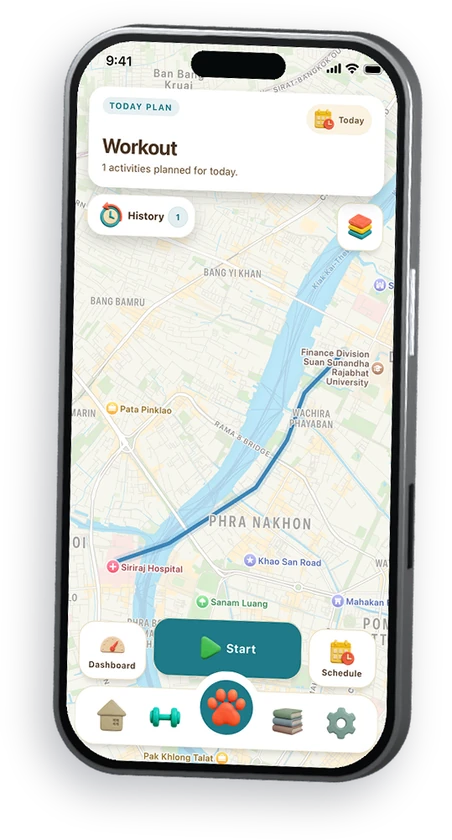
🧸 Clay
Start an outdoor run, walk, or cycling session with GPS
Choose your outdoor cardio activity and allow location access while tracking. FittyUp maps your route in real time and calculates distance, elapsed time, and current pace.
Enable optional Live Spoken Audio Coaching
Turn on spoken audio cues to hear distance and pace updates through your headphones without looking at your screen. FittyUp uses an output-only audio session that ducks background music briefly and never accesses your microphone.
Check elapsed time and distance from Lock Screen Live Activities
Glance at your iPhone Lock Screen or Dynamic Island mid-run to check your time, distance, and pace at a glance.
Sync completed GPS routes and active energy to Apple Health
When you finish and save your session, FittyUp can write the workout summary and route to Apple Health according to your permission settings.
Frequently asked questions
When does FittyUp use my iPhone location?
Location is used only when you actively record an outdoor GPS workout. Food scan photos have location metadata stripped before upload.
Does Live Voice Coaching record my microphone?
No. Spoken workout coaching is strictly audio output and never activates or records your microphone.
Can FittyUp sync outdoor runs with Apple Health?
Yes. Completed workouts and active calories can sync with Apple Health when workout permissions are enabled.
Can I listen to music or podcasts while using GPS and voice cues?
Yes. Spoken cues briefly lower background audio volume and restore it automatically after each announcement.
Nutrition values are estimates. Check ingredients yourself if you have allergies. FittyUp supports general wellness and does not replace medical advice.
AI features use credits. Availability depends on your app version and plan.