AI food scan · iPhone
A food photo. A clearer view of your meal.
Use FittyUp to estimate calories and macros from a food photo, review the details, and keep your meals together in a daily food diary.
AI features use credits · View plans
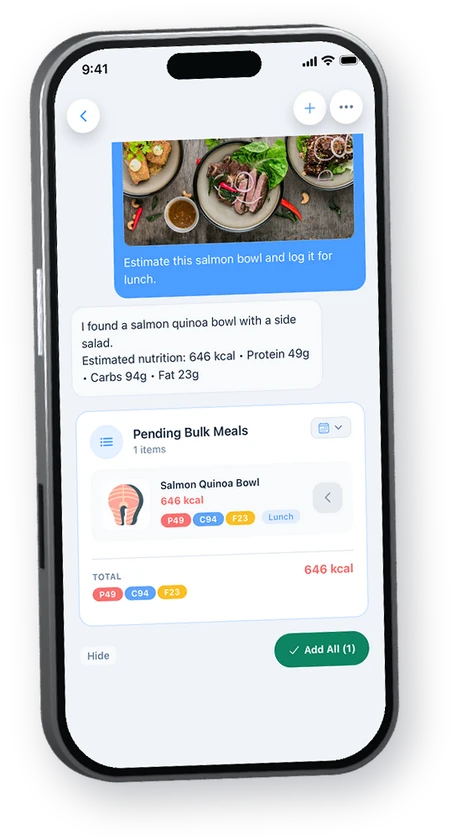
☀️ Default Theme
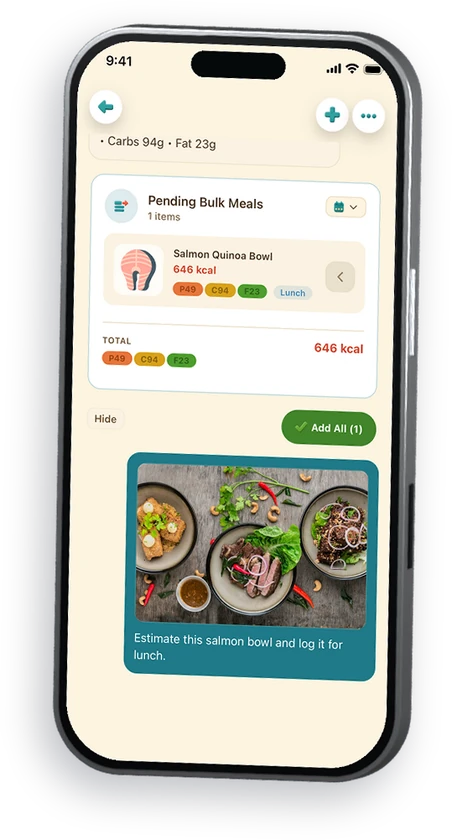
🧸 Clay Theme

Real iOS simulator screens & sample data
See how the screens and cards look inside FittyUp
Captured from iPhone 16e simulator with sample nutrition and workout records
☀️ Default
🧸 Clay
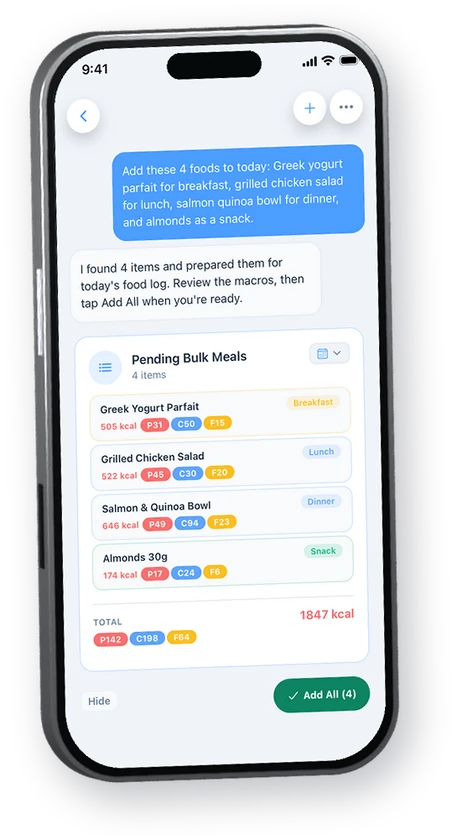
☀️ Default
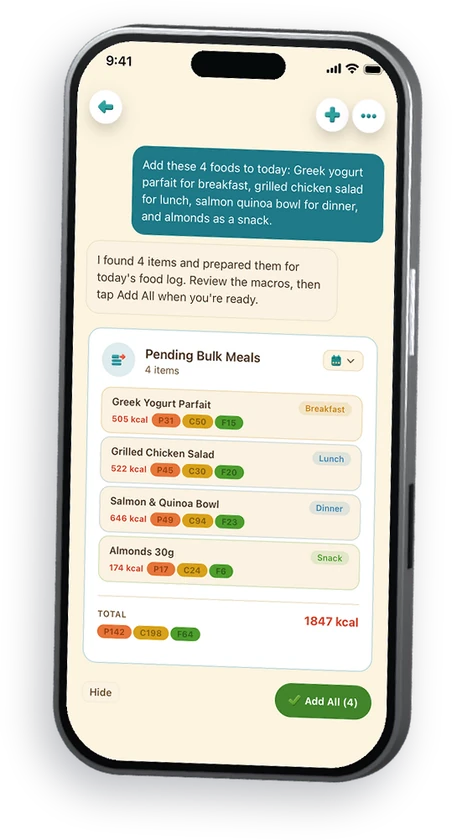
🧸 Clay
Editable Meal Review Card (Before Confirming)
Prompt: "Had basil chicken rice with a boiled egg and light cooking oil for lunch"
REVIEWED MEAL TOTAL
530 kcal · P 34g · C 53g · F 20g · Na 890mg
From photo to food diary
- 01
Take a photo
Keep the food in view and use good lighting. You can also describe what you ate instead of taking a photo.
- 02
Review the estimate
Check the food names and portions, along with estimated calories, protein, carbs and fat. Adjust details that do not match your meal.
- 03
Log your meal
Confirm the meal to add it to your diary, then see how it contributes to your daily nutrition totals.
More than a calorie number
A calorie counter helps you record energy intake. FittyUp also shows protein, carbohydrate and fat estimates, so you can review meals in the context of the rest of your day. For food you eat often, saved foods can make repeat logging easier.
Photo estimates are not measurements. Portion size, cooking oil, sauces and hidden ingredients can change the result. Check the details before logging; use package labels or weighed portions when you need a more reliable reference.
Questions about food scanning
Can a food photo tell me the exact calories?
No. A photo does not reveal every ingredient or its weight. The scan provides an estimate to review, rather than a precise measurement.
Can I use it for Thai meals?
You can photograph or describe Thai meals. Check dish names, portions, sauces and cooking details, especially for mixed dishes. Results can vary.
Do I have to scan every meal?
No. FittyUp also supports food descriptions, barcode scanning and manual food logging. Choose the method that fits the meal.
Do AI scans use credits?
AI features use credits. Check the current allowance and plan details in the app or on the pricing page before scanning.
FittyUp guides
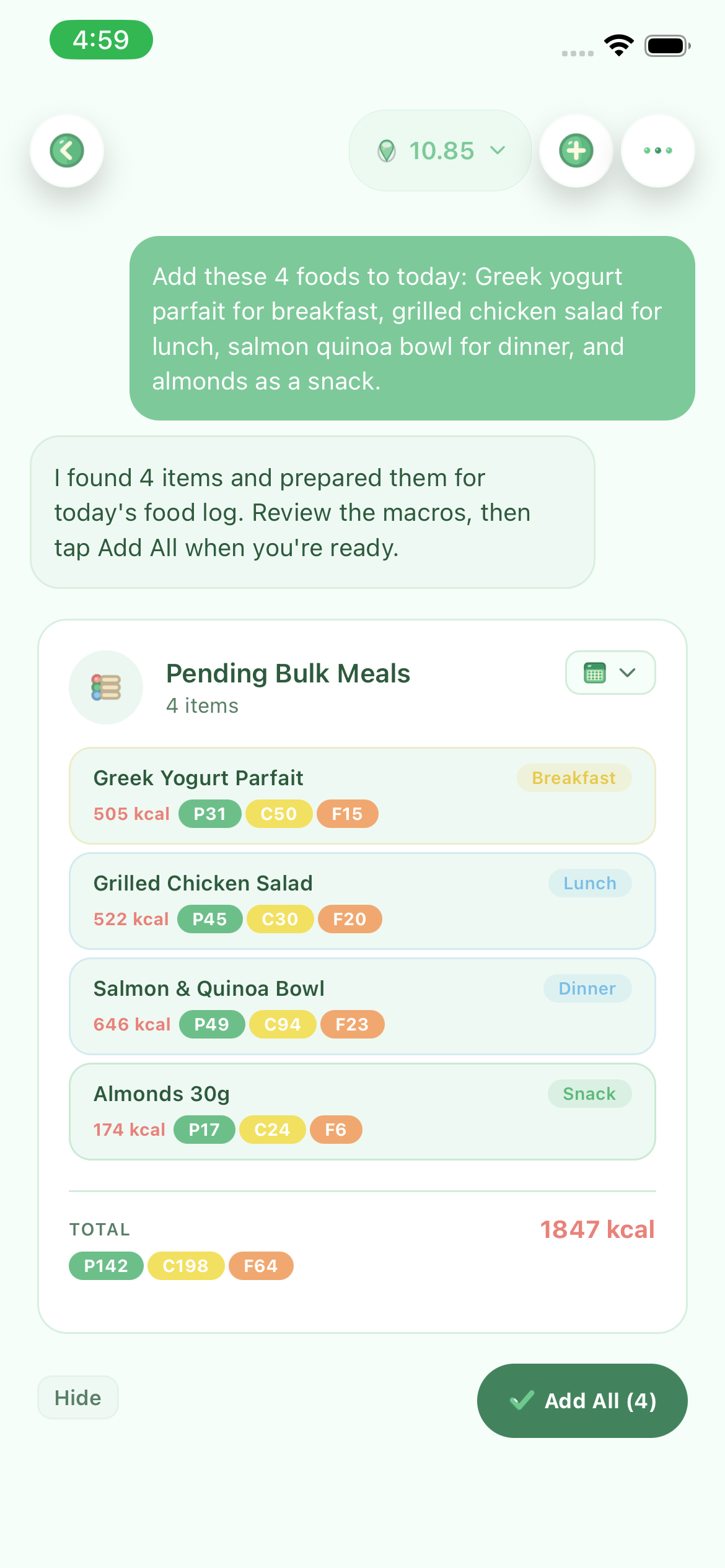
Scan a Thai meal, then check what the photo missed
A practical FittyUp walkthrough for photographing Thai dishes, checking portions and sauces, and confirming a food diary entry.
FittyUp guides
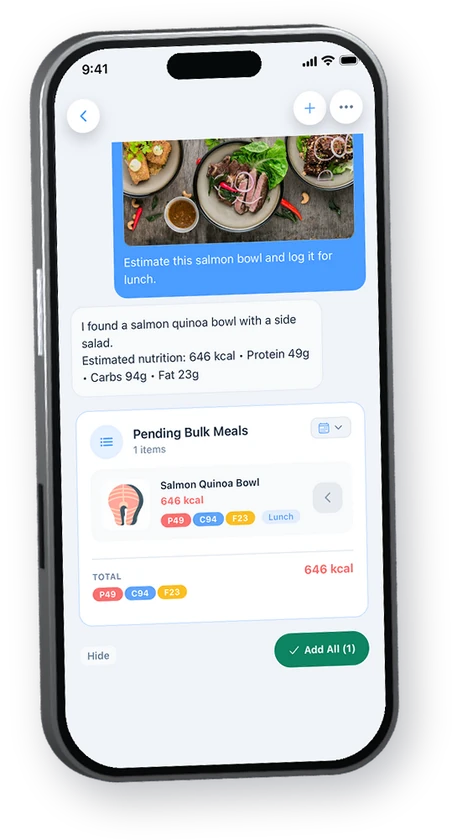
Spot and adjust hidden cooking oils and sauces before you log
Photo calorie scanners cannot see hidden cooking oil or sugar in sauces. Learn how to review and edit portions, oils, and dressings in FittyUp before logging.
FittyUp guides
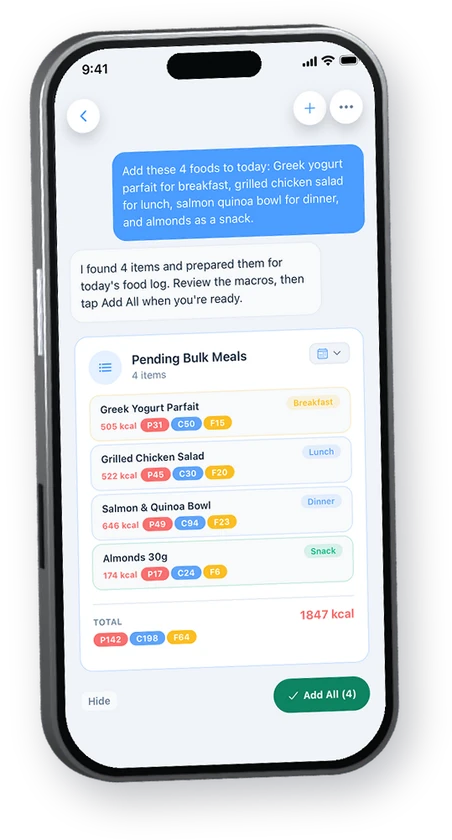
Match FittyUp’s four food logging methods to real-life meals
Do not waste time searching databases for every meal. Discover when to use AI photo scan, natural language chat with Numi, barcode scan, or saved meal sets.