Intermittent fasting · Timer & Meal Planning
A calm fasting timer connected to what you eat next.
A standalone fasting timer only counts the hours until you eat. FittyUp connects your fasting window to your hydration tracker, Home Screen widgets, and Build My Meal — so you can plan a balanced meal when your eating window opens.
AI features use credits · View plans
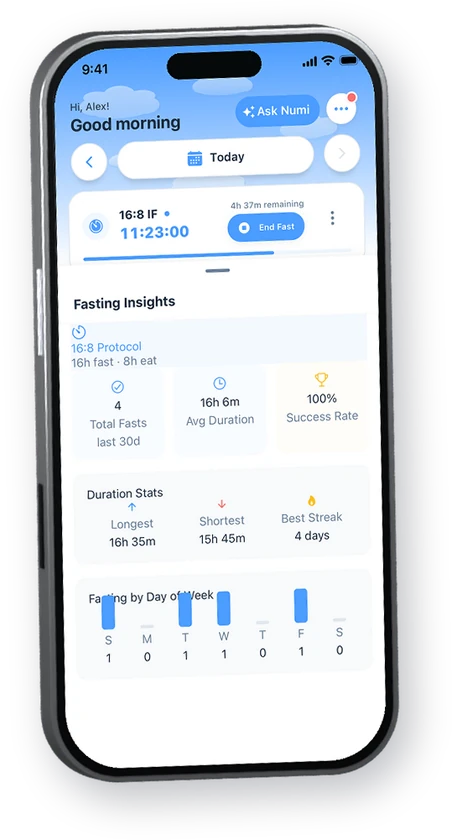
☀️ Default Theme
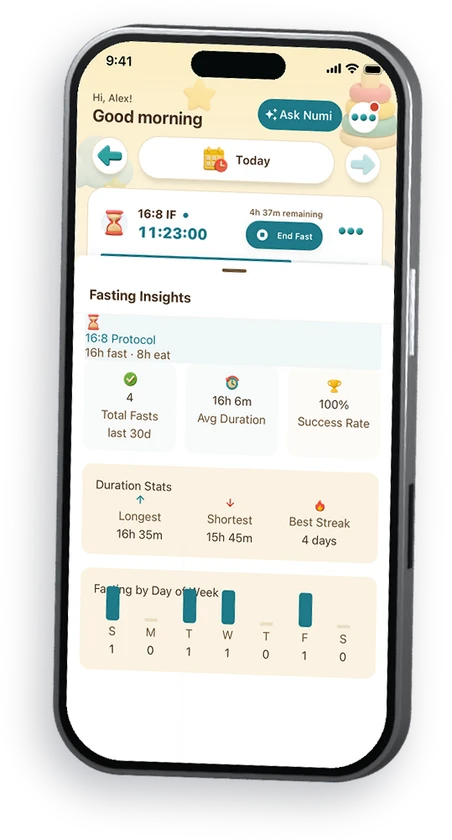
🧸 Clay Theme

Real iOS simulator screens & sample data
See how the screens and cards look inside FittyUp
Captured from iPhone 16e simulator with sample nutrition and workout records
☀️ Default
🧸 Clay
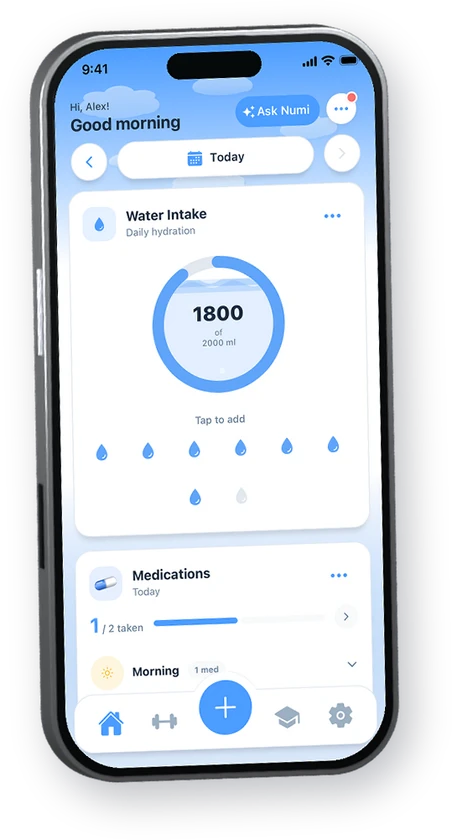
☀️ Default
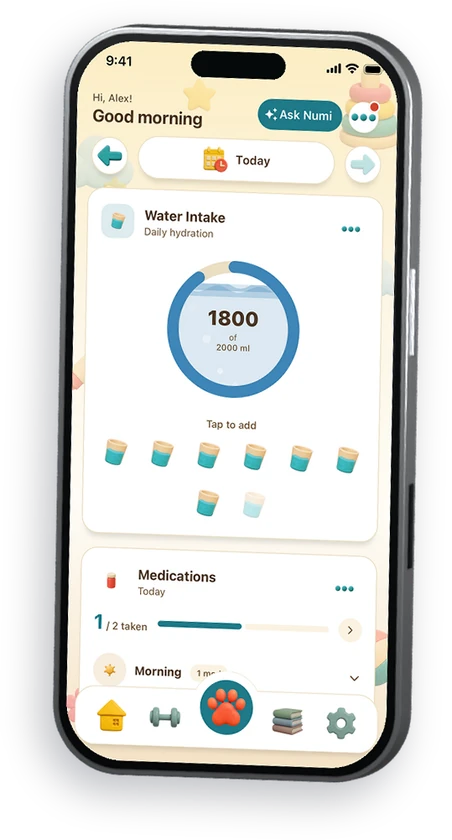
🧸 Clay
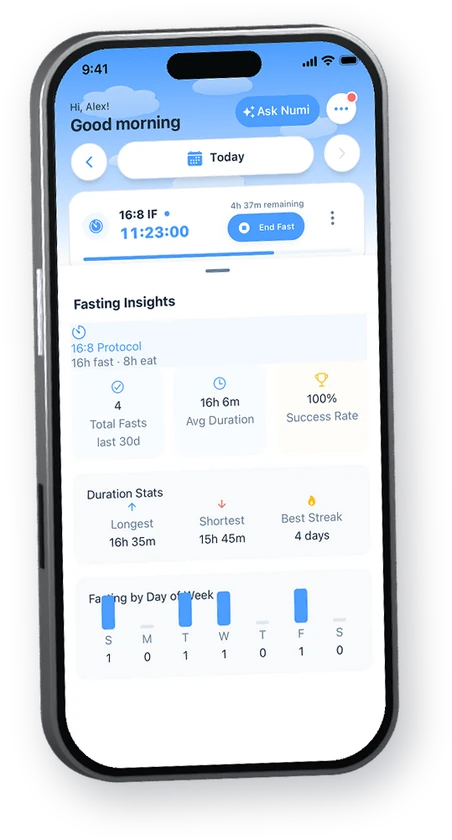
Fasting Window, Hydration & First Meal Card
Protocol: 16:8 (Fasting 20:00 – 12:00 · Eating Window 12:00 – 20:00)
30-DAY FASTING CONSISTENCY
92% Success · Avg Fast: 16h 12m · Best Streak: 12 Days
Fasting and eating windows, kept in one view
- 01
Choose a fasting rhythm
Select a familiar schedule such as 16:8 or 14:10, or set a custom fasting and eating window that fits your routine and sleep schedule.
- 02
Stay hydrated during the fast
Check your elapsed fasting time from the iPhone Home Screen widget and log water intake with one tap or a quick note to Numi.
- 03
Plan your break-fast meal
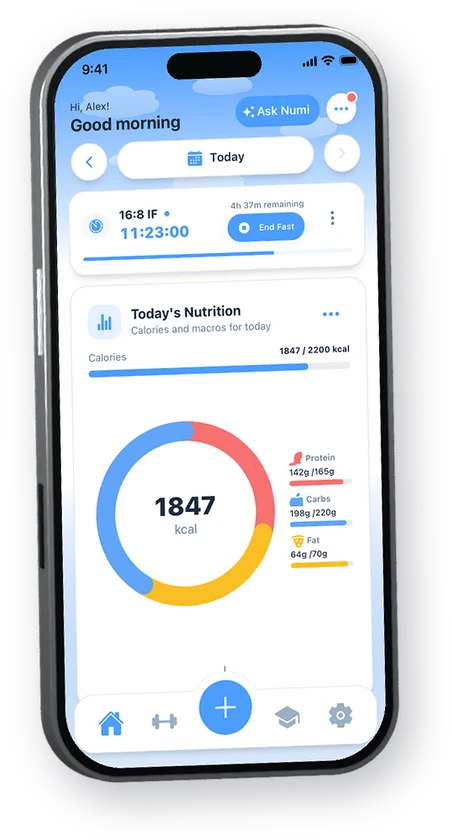
When your eating window opens, use Food Scan or Build My Meal to review estimated protein, carbs, fat, and calories so your meals still meet your daily nutrition needs.
No-guilt streaks when life changes your schedule
FittyUp treats intermittent fasting as a flexible timing tool, not a rigid rule. If a family dinner or early workout shifts your window, adjust your timer without losing your food diary or nutrition history.
Intermittent fasting is not suitable for everyone — including people who are pregnant or breastfeeding, individuals under 18, anyone with a history of eating disorders, or people managing diabetes or glucose-lowering medications. Consult a physician before starting a fasting routine.
Questions about intermittent fasting in FittyUp
Which intermittent fasting schedules does FittyUp support?
FittyUp supports popular time-restricted eating windows such as 16:8, 14:10, and 18:6, as well as custom start and end times that you can adjust as your day changes.
How does FittyUp help when I break my fast?
Because your fasting timer lives in the same app as AI Food Scan and Build My Meal, you can plan your first and last meals around your remaining protein and calorie targets instead of switching to a separate calorie counter.
Can I track water intake while fasting?
Yes. Your daily water tracker and smart hydration reminders sit right beside your fasting timer so you can keep up with fluids throughout your fasting window.
Are there iPhone widgets for my fasting timer?
Yes. You can place FittyUp fasting and nutrition widgets on your iPhone or iPad Home Screen and Lock Screen to check your current window at a glance.
FittyUp guides
Time your 16:8 fasting window around strength training and protein goals
Worried about lifting on an empty stomach? Learn how to time your 16:8 or 14:10 fasting window around workouts and hit 1.6–2.2g/kg protein with FittyUp.
FittyUp guides
Stay hydrated during a fast and plan a balanced break-fast meal
Keep your fast effective with plain water, black coffee, and unsweetened tea. See how to track fasting hydration and plan your break-fast meal in FittyUp.