FittyUp guides
Match FittyUp’s four food logging methods to real-life meals
Relying on a single logging method for every meal slows you down. A mixed cafeteria plate is fastest by photo, a packaged protein shake is fastest by barcode, and your usual breakfast takes one tap with Saved Meal Sets.
Match the Right Tool to Every Meal Type
Combine any method inside the same daily diary
AI separates items · Editable portions · Uses credit
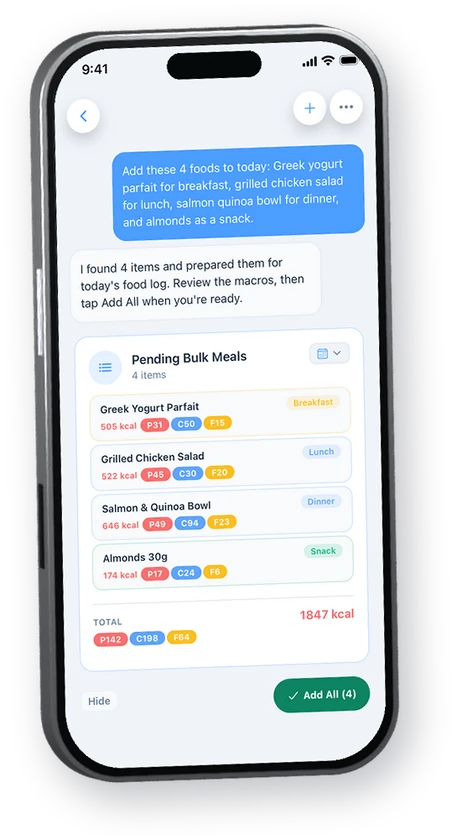
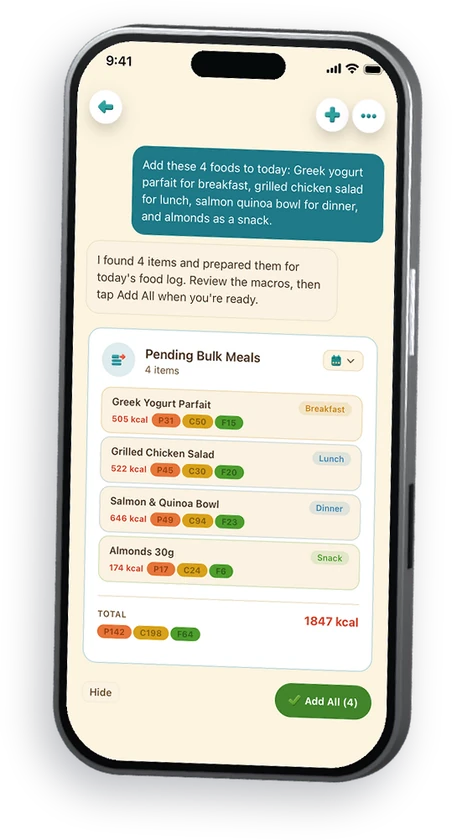
Natural language · History recall · Uses credit
Exact package label macros · 0 AI credits
Up to 2 sets Free / Unlimited Pro · 0 AI credits
FULL-DAY LOGGING TIME
< 25 seconds/day across 3 meals + snacks
☀️ Default
🧸 Clay
AI Photo Scan for mixed plates and dining out
Use a photo when your plate has multiple visible components — such as rice, grilled meat, vegetables, and an egg. FittyUp separates the items onto a review card so you can verify portions before saving.
Natural-language chat with Numi for soups, wraps, and quick edits
When ingredients are blended or hidden inside a wrap, bowl, or soup, type or speak a short description to Numi (for example, "chicken noodle soup with two wontons, no added oil").
Barcode scanner for packaged foods and convenience stores
Use the barcode scanner for bottled drinks, yogurt cups, protein bars, and convenience-store snacks where nutrition labels provide exact package numbers.
Saved Meal Sets for your repeat breakfasts and post-workout shakes
Group the foods you eat together several times a week into a Saved Meal Set. Next time, log the entire combination in one tap and adjust any single item if today’s portion changed.
Frequently asked questions
When should I use barcode scanning instead of a photo?
Use barcode scanning whenever a food has a printed nutrition label — such as packaged snacks, bottled beverages, dairy, and supplements.
How many Saved Meal Sets can I create?
The Free plan supports up to 2 Saved Meal Sets, while FittyUp Pro unlocks unlimited Saved Meal Sets.
Can I edit a photo scan using text chat?
Yes. After scanning a photo, you can refine any item or portion directly on the review card or through Numi before confirming.
What can I log without using AI credits?
Manual entries, database searches, barcode scans, and Saved Meal Sets do not consume AI credits.
Nutrition values are estimates. Check ingredients yourself if you have allergies. FittyUp supports general wellness and does not replace medical advice.
AI features use credits. Availability depends on your app version and plan.